
Selecting the most suitable Enterprise Resource Planning (ERP) solution is a critical strategic decision that will profoundly affect your company, its processes, and its people. It's not merely about choosing software; it's about finding the right digital backbone to optimize your operations.
Key steps to select best ERP solution
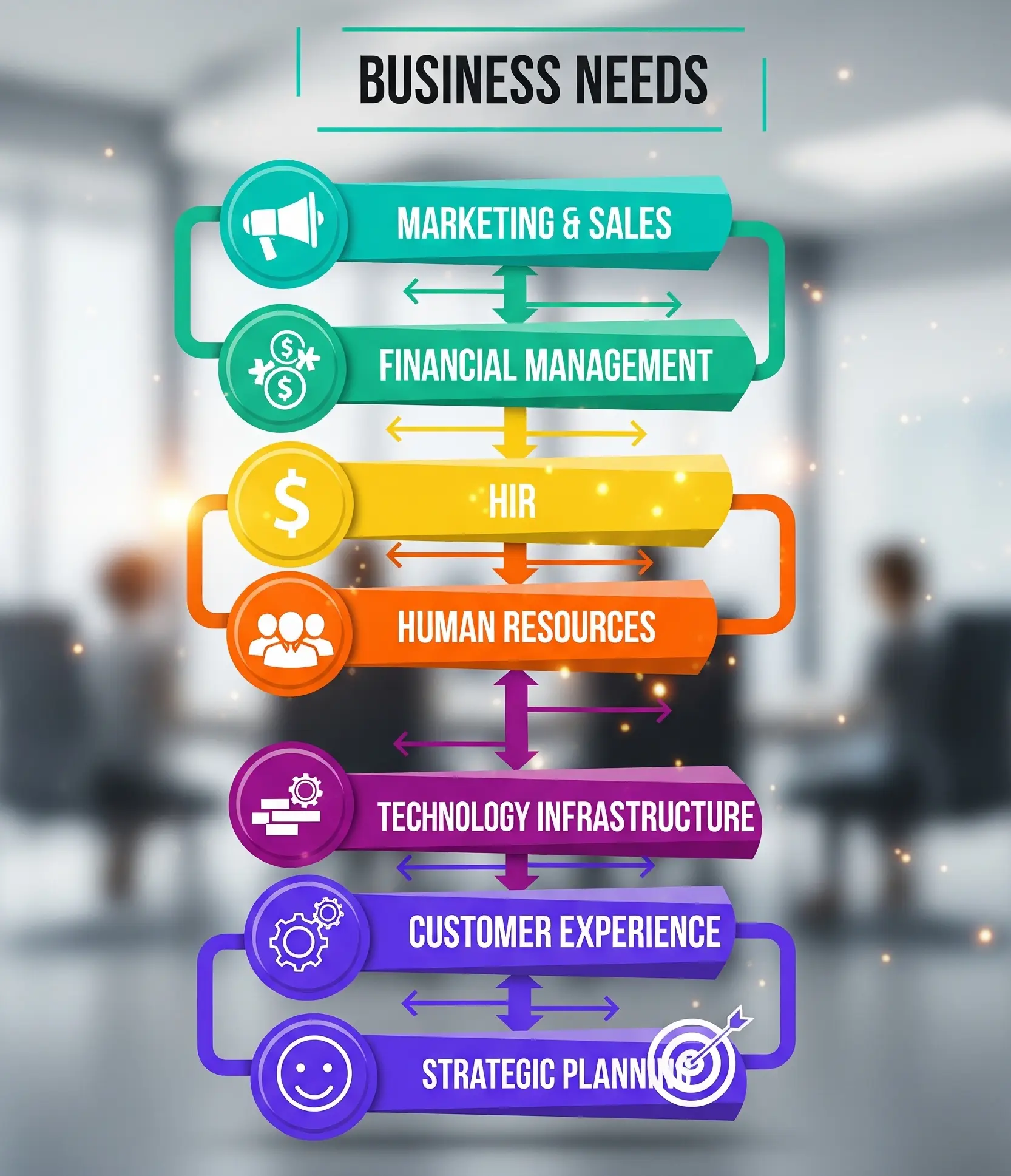
1. Define Your Business Needs and Goals Before evaluating any software, it's crucial to understand your own organization:
Know Your Why: Clearly identify your business's pain points and inefficiencies. Common triggers for needing an ERP include disconnected tools, inventory issues, duplicate data entry, or a lack of visibility into finances.
- List Business Requirements: Talk to business users from all relevant departments (e.g., purchasing, marketing, logistics, sales, production, controlling, service) to list their exact business requirements. This thorough analysis should involve key stakeholders from finance, IT, and other relevant departments.
- Define Specific Goals: Clearly document what you want to achieve with the ERP system. Examples include lowering error rates, reducing throughput times, speeding up time to market, improving service quality, enhancing collaboration between departments, automating and standardizing workflows, providing accurate business analysis, or supporting internationalization.
2. Evaluate ERP Software Options Once your internal needs are clear, you can start assessing potential solutions based on several criteria:
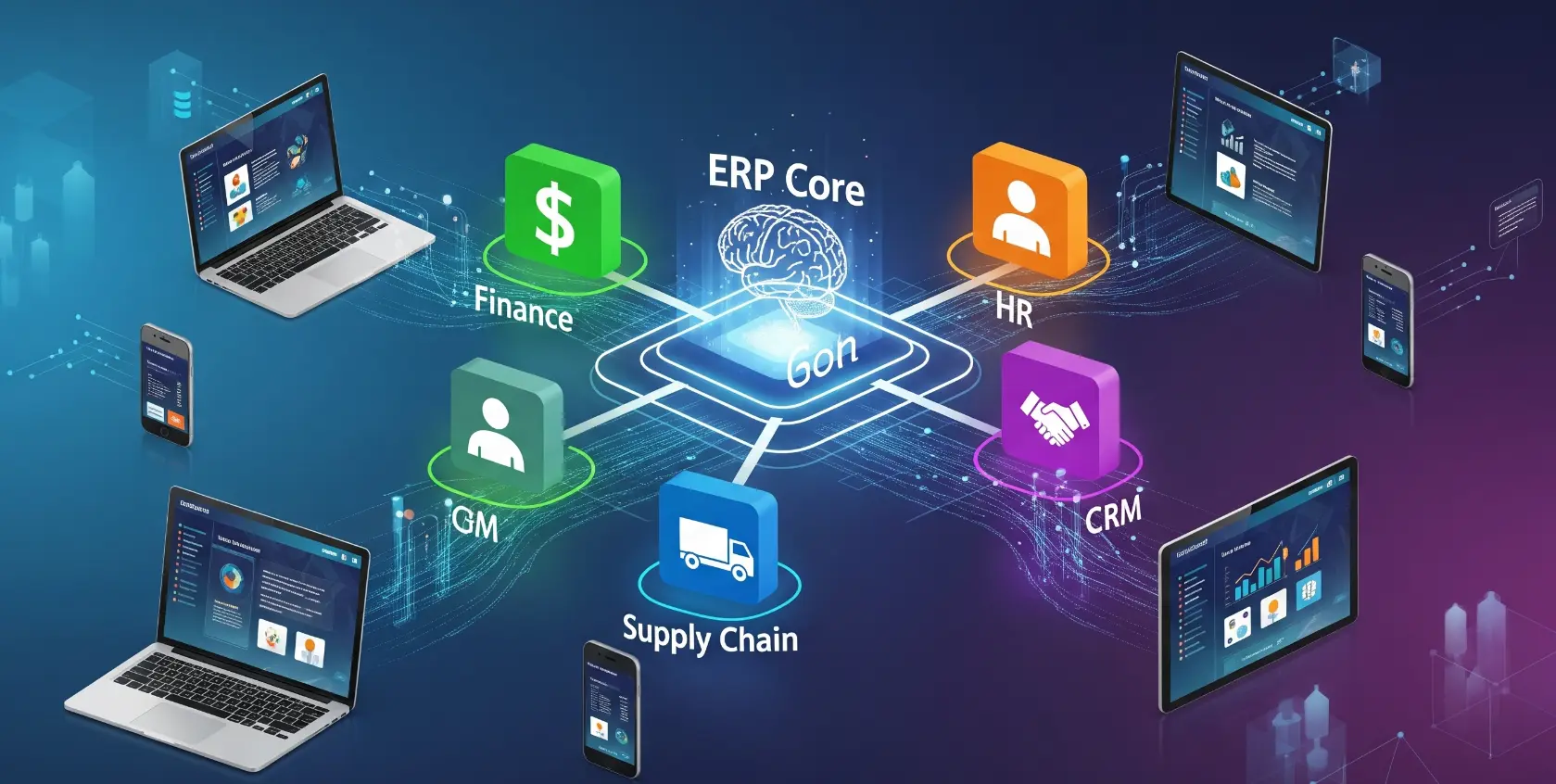
- Alignment with Specific Needs: Look for solutions that align directly with your defined requirements, focusing on what solves your core problems rather than unnecessary features.
- Deployment Model Flexibility: Consider the preferred deployment model that best fits your business:
- ◦ Cloud ERP: Hosted on remote servers, accessed via the internet. Advantages include lower initial costs, enhanced accessibility from anywhere, automatic updates managed by the provider, and high scalability.
- ◦ On-premise ERP: Installed locally on your company's servers. Offers total control over the system and data, heightened security, greater customization options, and can be more economical in the long term for larger companies.
- ◦ Hybrid ERP: Combines elements of both cloud and on-premise deployments, providing flexibility for different applications or a phased transition.
- Scalability: The chosen system should be able to accommodate heavier volumes, more resources, and more users as your business grows.
- Integration Capabilities: Evaluate how well the ERP can integrate with your existing systems and other third-party solutions (e.g., Enterprise Performance Management, E-commerce). Headless ERP systems, for instance, are highlighted for their unparalleled flexibility for tailoring solutions to precise requirements and seamless integration.
- Customization Options: Assess how readily the software can be altered to suit the distinct needs of your company's workflows, processes, and user experience preferences.
- User-Friendliness and User Experience (UX): A modern interface that is easy to learn and use is important, given the complexity of ERP software.
- Total Cost of Ownership (TCO): Calculate the TCO, which includes licenses, hosting, implementation, and ongoing support. While cloud solutions often have lower upfront costs, subscription fees can add up over the long term, making on-premise more economical for larger companies after initial investment amortization.
- Comprehensive Features: Ensure the ERP covers the wide range of business processes you need to manage. This includes:
- ◦Financial Management: Invoicing, accounts payable/receivable, financial analytics, forecasting, reporting, general ledger, payroll.
- ◦ Inventory and Warehousing: Tracking raw materials, work-in-progress (WIP), finished goods, automated reordering, cost control, multi-warehouse management, and precise SKU tracking.
- ◦ Production Management: Real-time production monitoring, instant status updates, resource allocation, quality control, efficient work order generation, and scheduling.
- ◦ Supply Chain Management: Supplier collaboration (portals, automated ordering), accurate demand forecasting, inventory optimization (e.g., Just-In-Time), procurement, and order fulfillment.
- ◦ Quality Control: Dedicated quality assurance modules for compliance, real-time inspection, documentation, traceability (lot and serial number tracking), and streamlined recall management.
- ◦ Cost Efficiency: Tools for cost tracking and analysis, budget management, variance analysis, resource allocation optimization (labor, equipment, material), expense monitoring, process optimization, and potentially energy management.
- ◦ Productivity: Workforce management tools (resource scheduling, skills tracking, time and attendance), automated reporting for real-time KPIs and custom reports, and support for continuous improvement through data analysis and feedback loops.
- ◦ Time-to-Market Acceleration: Product Lifecycle Management (PLM) features, support for rapid prototyping, and efficient project management capabilities.
- ◦ Data-Driven Decision-Making: Business Intelligence (BI) and analytics capabilities with data visualization, trend analysis, predictive analytics, and Key Performance Indicator (KPI) tracking.
- ◦ Compliance and Regulation Adherence: Features for generating accurate regulatory reports, maintaining comprehensive audit trails (user activity tracking, change history), and supporting audits.
- ◦ Equipment and Maintenance Management: Preventive maintenance scheduling and asset management integration.
- ◦ Digital Transformation Support: Integration with IoT (Internet of Things) technologies for machine data and real-time performance metrics, and mobile accessibility for shop floor and remote work.
- ◦ Strategic Planning Support: Master Production Scheduling (MPS) and Sales and Operations Planning (S&OP) capabilities.
- ◦ Global Operations and Business Continuity: Support for multi-currency, multi-language, varying tax rules, and legal frameworks, along with built-in business continuity features like automated data backups and system redundancy.
3. Vet the Vendor and Implementation Partner The relationship with your chosen provider and partner is vital for success: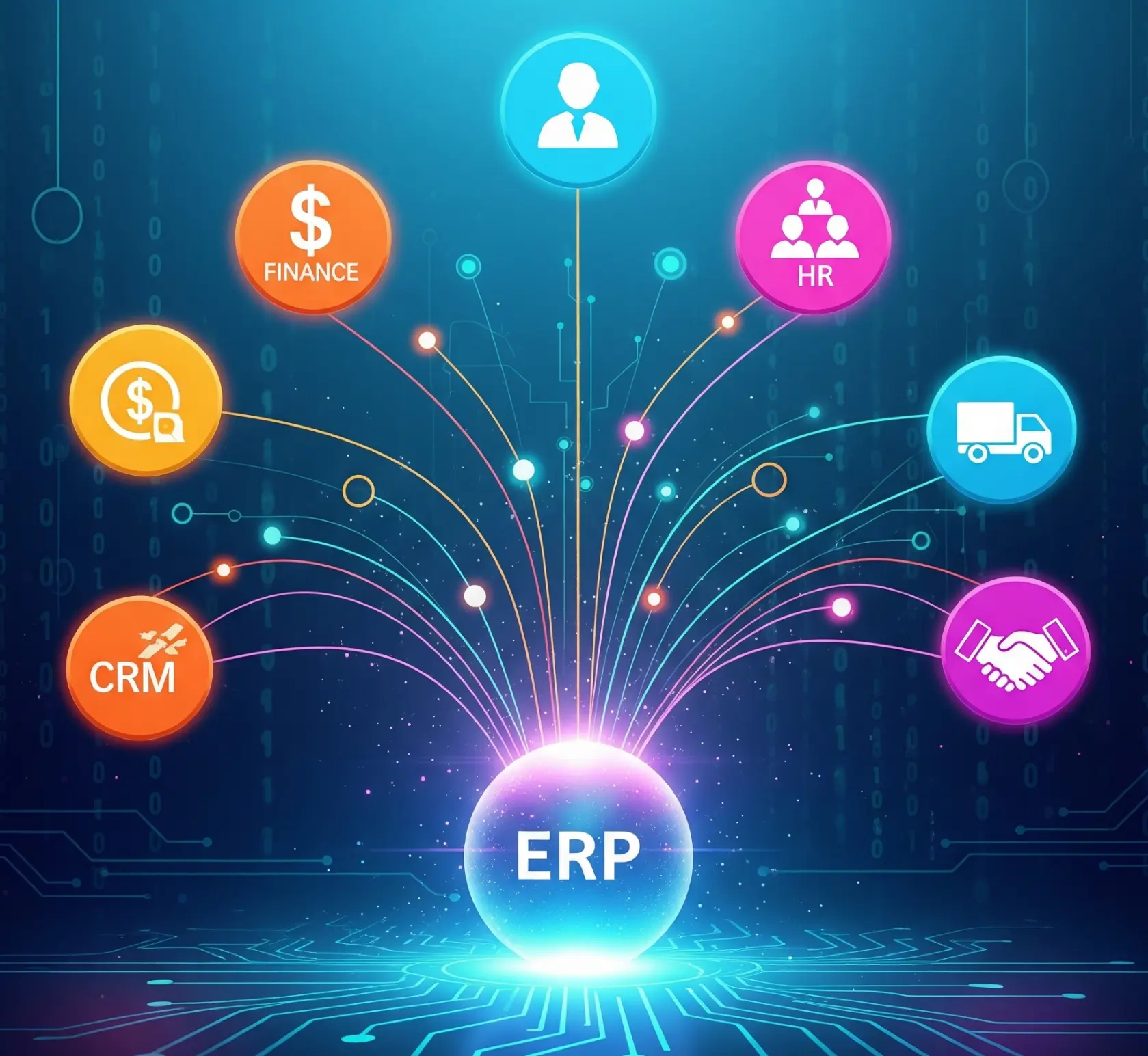
- Strong Relationship: Establish a strong working relationship with both the software vendor and the implementation partner.
- Proven Track Record: Choose vendors and partners with a proven track record, especially in your specific industry.
- Expertise and Methodology: The partner should have deep expertise and a proven implementation methodology. For medium-sized companies without in-house expertise, the experience and competence of the ERP provider are a key selection factor.
- References and Reviews: Consider peer references and learn from their recommendations. Reach out to existing customers for references and read product reviews and testimonials on sites like Odoo, Capterra, Software Advice, and G2.
By carefully considering these steps and criteria, you can significantly improve your software selection process and ensure your business chooses the best ERP solution for its unique set of requirements.